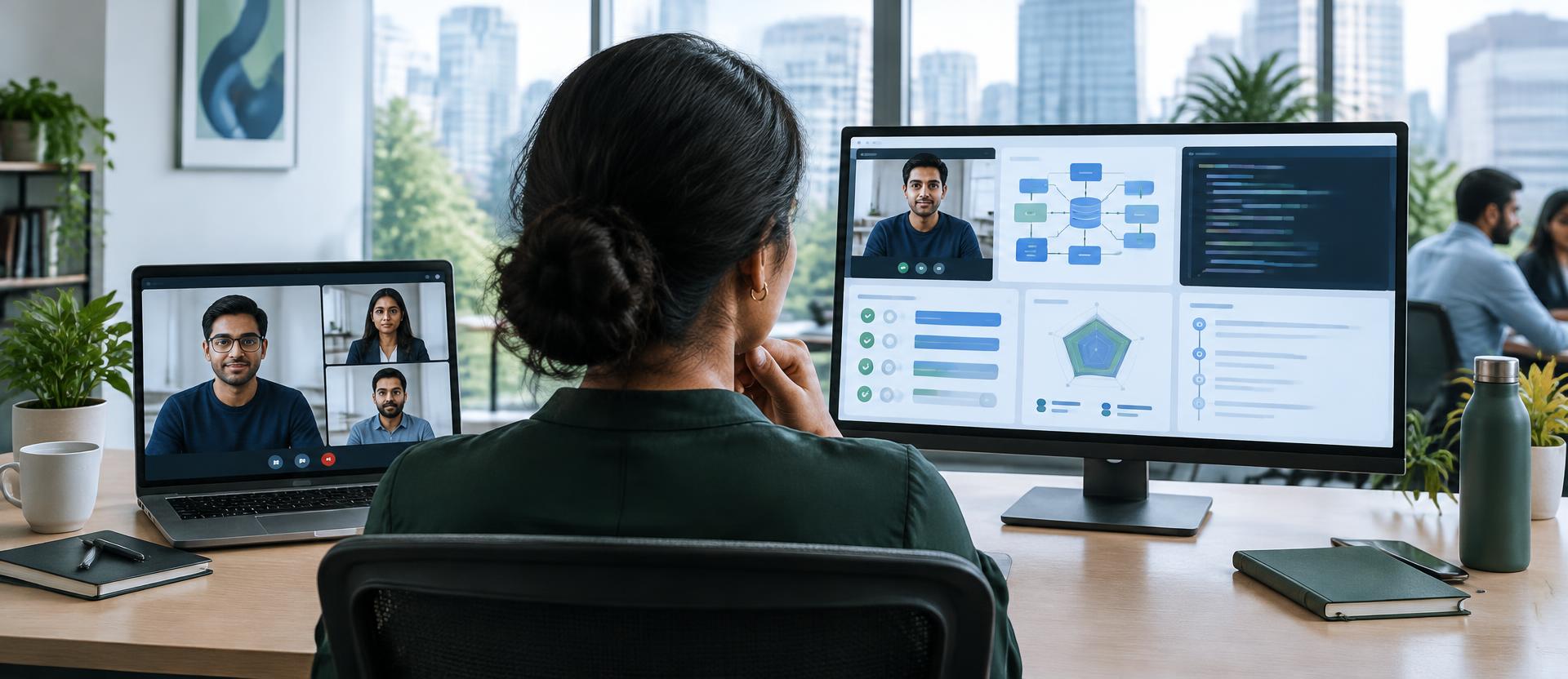
At 10:00, two senior-engineer interviews begin. Both candidates appear on camera. Both interviewers say hello, explain the role and ask about recent work. For the first minute, the calls look almost identical.
Then the difference appears. In the first call, the interviewer has a résumé open in another tab, an assessment score in an email and a list of questions copied into a document. They remember that something was weak, but not the exact answer. Half the interview is spent reconstructing context.
In the second, the interviewer starts with the role, profile, completed assessment and earlier conversational evidence already reconciled. The Studio shows what looks strong, what conflicts, what remains untested and why each follow-up belongs in this interview.
“A meeting gives you a room. Precision comes from knowing what to do inside it.”
The blind spot is not video. It is context.
General meeting tools are excellent at their intended job: connecting people through video, audio, chat and screen sharing. But they do not automatically know why this candidate reached the interview, which claimed strengths have evidence, where an assessment answer broke down, or which skill has never been tested.
Diagram 1 · Same conversation, different preparation
The call is connected. The interviewer still has to bring the context, questions, tools and evaluation method.
The conversation sits beside the candidate’s history, open questions, technical tools and reviewer evidence.
That missing context changes interviewer behaviour. A senior panelist may ask broad questions because they are safe. Another may over-focus on a favourite topic. Notes vary. A strong candidate can receive a shallow interview; a weaker one can benefit from a familiar script. The call records what happened, but does little to shape what should happen.
Interview Studio begins before the call
AlphaRecrewt’s Interview Studio builds a shared interview guide from the same application’s evidence. It can bring together the role, candidate profile, completed assessments, completed AI interviews and earlier interview analysis. From those inputs, it separates verified skills, conflicting or inconclusive areas, critical gaps and untested role requirements.
Diagram 2 · What enters the room before the candidate does
Résumé & profile
The claimed experience and skills
Assessment evidence
What was demonstrated, missed or left untested
Earlier conversations
Completed AI-interview and interview signals
Role priorities
The capabilities that matter for this position
Verified
Distributed-systems fundamentals
Do not waste the call repeating a broad textbook test.
Resolve
Caching and failure recovery
Assessment evidence was mixed; probe the reasoning behind the answer.
Untested
Capacity planning
Use a diagram to see how the candidate thinks at 10× load.
Consider Maya, a candidate for a platform-engineering role. Her profile claims deep distributed-systems work. The assessment supports her fundamentals, but her caching answer was mixed and capacity planning was not covered. A generic question list might still begin with “What is a distributed system?” The Studio can instead prepare a failure-recovery probe and a 10×-load architecture exercise.
The interviewer sees more than the question. They can see what triggered it, what evidence to listen for, and what a weak, adequate or strong answer should contain. Notes and ratings stay beside the question, while a custom rubric or guideline can keep every panel member on the same standard.
Make the candidate reason in front of the evidence
A memorized definition is easy to deliver and difficult to value. A diagram changes the task. It asks the candidate to trace a request, identify a race, locate a bottleneck, critique a data model or extend a design while the interviewer watches the reasoning unfold.
Exhibit 1 · A diagram question, not a definition quiz
Candidate sees
“Traffic grows 10× and the database slows. Trace the failure, then change the design.”
Follow the flow. Can they explain what happens from request to persistence?
Find the pressure point. Do they identify the first likely bottleneck and justify it?
Defend the change. Can they add caching, replication or back-pressure with the right trade-offs?
The diagram is not a decorative slide. It can be generated for the current stage, reviewed by the interviewer and pushed into the candidate’s own Diagram view. Progressive follow-ups keep the discussion anchored to the same system instead of jumping between disconnected trivia.
The same idea applies outside engineering. A leadership interview can use a decision tree, escalation path or stakeholder map. What matters is making judgement visible: where would you intervene, what information changes the decision, and what trade-off are you accepting?
When explanation is not enough, share the code
In a normal meeting, live coding often means another link, another account or a screen that only one person can control. Interview Studio keeps the coding moment inside the room. The interviewer can push a prepared code-reading or debugging question; the candidate’s workspace moves to the shared editor; both participants see edits and cursors in real time.
Exhibit 2 · One live-coding moment
async function fetchProfile(id: string) {
  const cached = await cache.get(id)
  if (cached) return cached

  const profile = await db.profile.find(id)
  await cache.set(id, profile)
  return profile
}
Prompt
This works in a single request. What changes under concurrent cache misses?
1. Identify the failure mode.
2. Sketch a safe fix.
3. Explain the trade-off.
The value is not simply whether the final code compiles. The panel can watch how the candidate frames the problem, asks clarifying questions, handles an edge case and responds when the interviewer changes a constraint. Follow-up prompts remain attached to the coding question, so the discussion tests depth rather than typing speed alone.
The second camera is not a smaller meeting
Mobile support in the Studio has a specific interview purpose. With the candidate’s consent, a phone can join through a QR code as an optional “3rd Eye” view. Positioned to the side, it can show the candidate’s face, hands and surrounding workspace while the laptop remains focused on the interview and shared technical work.
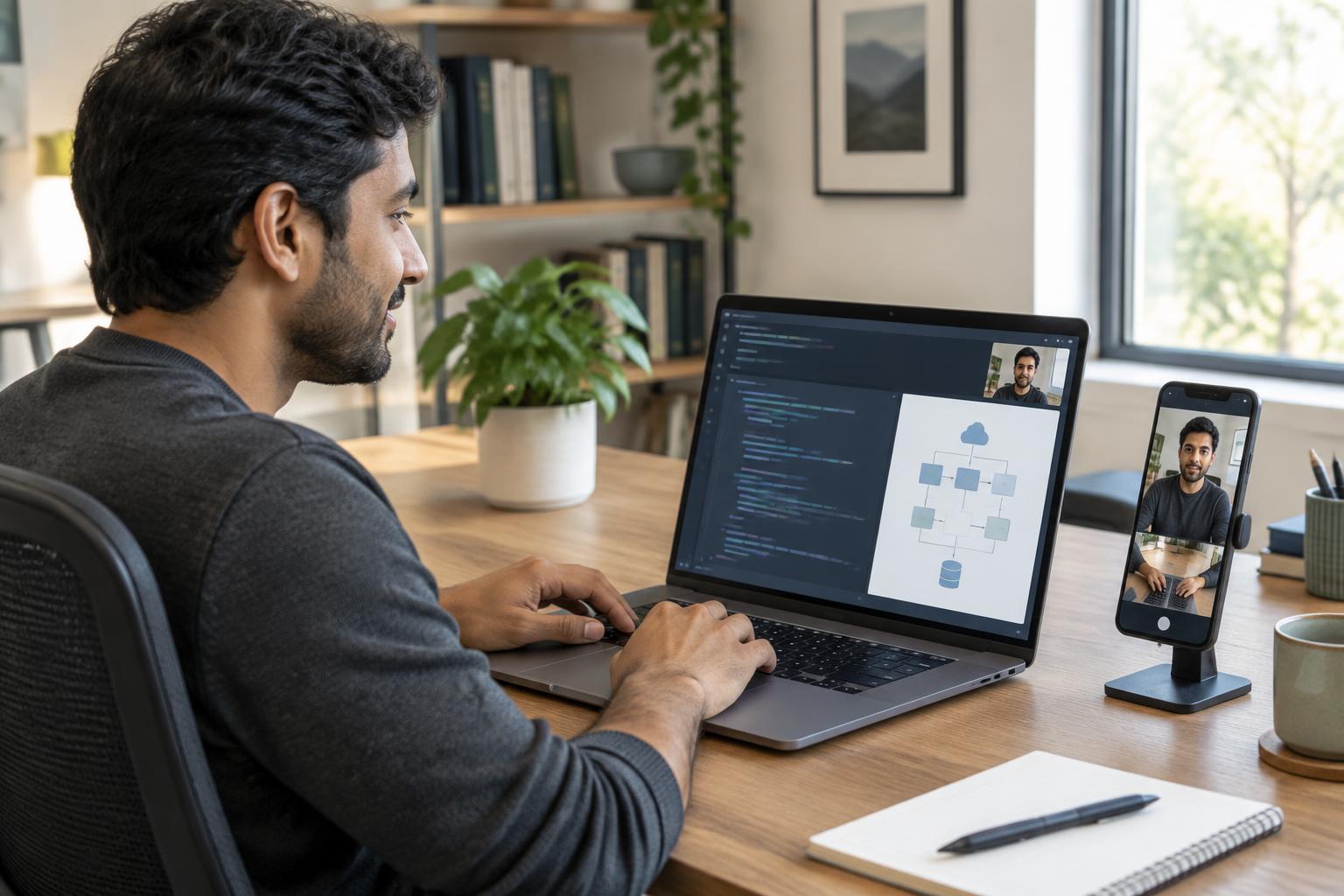
Diagram 3 · Integrity context around the interview
Entire-screen sharing
A tab or single-window share is rejected and the candidate is asked to share the full display.
Optional 3rd Eye
A phone can add a second view of the candidate’s face, hands and workspace.
Device visibility
Connected cameras, microphones, speakers and display count are visible to the interviewer.
Live review signals
Multiple faces, no person, looking away, tab changes and external displays can prompt a closer look.
The candidate can be asked to share the entire screen rather than a single tab. The interviewer can see connected-device information, external-display status and live signals such as multiple faces, no person, looking away or tab changes. If a second display is detected, the Studio can pause the candidate experience until it is disconnected or the interviewer allows it.
This does not make an interview “cheating-proof,” and AlphaRecrewt does not present it that way. A poor connection, a family member entering the room or a natural glance away can all create signals. Their value is that the reviewer has more context to investigate, not a machine-made accusation.
What changes for the interviewer
Before the call
General meeting
Calendar invite, résumé in another tab, notes assembled by the interviewer
Interview Studio
Role, profile and completed-stage evidence become one candidate-specific interview strategy
Questions
General meeting
Often a shared list or the interviewer’s personal preparation
Interview Studio
Targeted stages, question rationale, what to look for and answer-quality guidance
Technical proof
General meeting
Screen share plus whichever external tools the panel can coordinate
Interview Studio
Architecture diagrams and shared live coding can be pushed into the same interview workspace
Integrity context
General meeting
A camera view and normal meeting controls
Interview Studio
Full-screen sharing, device signals, optional phone view and live review alerts
After the call
General meeting
Recording, transcript and individual memories
Interview Studio
Question ratings, notes, rubric evidence and a shared review trail
The practical difference is interviewer attention. Instead of searching for the assessment, composing a system-design prompt and opening a separate coding tool, the panel can stay with the candidate. Instead of remembering “something about caching was weak,” they can ask the exact unresolved question and record the evidence against it.
After the call, the panel reviews the same interview
Meeting recordings are useful, but a one-hour video is still a one-hour video. Interview Studio also preserves the structure around it: stages, candidate-specific questions, ratings, notes, rubrics, transcript context and the technical work completed in the room. Panel interviewers can submit their own evidence and verdicts against a shared plan.
Consistent path
Every interviewer can follow the same role- and candidate-specific strategy.
Visible reasoning
Diagram prompts reveal how a candidate navigates flow, failure and trade-offs.
Shared technical work
Code, edits and follow-up questions stay in the interview workspace.
Reviewable decisions
The panel compares written evidence instead of relying only on memory.
Human review remains the decision point. The Studio does not independently verify every résumé claim, declare misconduct or make the final hiring choice. It gives interviewers a more precise place to test, observe, record and challenge the evidence.
For technical hiring, move from generic system-design talk into diagrams, code and candidate-specific gaps.
For panel interviews, give every interviewer the same plan while preserving individual notes and judgement.
For remote interviews, combine the conversation with full-screen sharing, device context and an optional phone view.
For evidence-first funnels, use the human interview to resolve the questions automation could not settle.
Teams and Zoom can still be the right answer when the need is simply to meet. Interview Studio is for the moment when a recruitment team needs the meeting to remember the journey, surface the unresolved evidence, support the technical work and help a human panel make a more defensible decision. ■
See Interview Studio →